P3 AAU Project - CMS System for Kunsten Museum of Art Aalborg
2026-02-22
https://github.com/cs-24-sw-3-09/KunstenCMSBackend
https://github.com/cs-24-sw-3-09/KunstenCMSFrontend
Kunsten CMS (Fall 2024)
The third semester of the software bachelor is about creating a well-designed system — so a lot of UML diagrams. During the semester, it is also required to work with a third party to create or collaborate on a system for/with them. Here, we contacted Kunstmuseum of Art, which resulted in us creating a content management system for their display screens.
Technologies and theory
- Java, Spring Boot (with dependency injection)
- Svelte/SvelteKit, JS, CSS, SCSS, HTML
- SocketIO
- Authentication with JWT tokens
- MariaDB
- Problem and application domain analysis
- User interface design
- Low fidelity sketches
- Gigh fidelity prototypes
- Usability testing
- Componet architecture and design
Abstract (From Project Report)
This project is done in collaboration with Kunsten Museum of Modern Art Aalborg. They requested a new system to manage and schedule content for their infotainment screens. Before creating the system, a system definition was made, along with an analysis of both the problem domain and application domain. During the design phase of the user interface, low-fidelity sketches were created as a precursor to a functional high fidelity prototype. This prototype was used for usability testing to ensure the users can navigate and use the system intuitively. The user interface was implemented based on the evaluation of the usability test. Furthermore, the solution was implemented based on the architectural design of the system. Here, the frontend was built using SvelteKit, while the backend was developed using Spring Boot. To ensure the system's correctness, unit tests, integration tests, and system tests were conducted. The project is concluded with a discussion of the solution. Lastly, it is concluded that the system fulfils the problem statement.
Images
Component overview of frontend
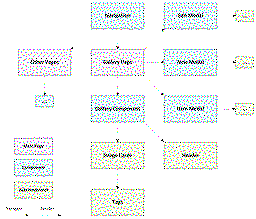
(click to see full undithered image)
Scheduling and live dashboard
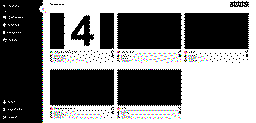
(click to see full undithered image)
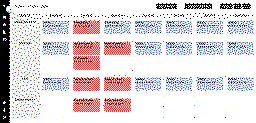
(click to see full undithered image)
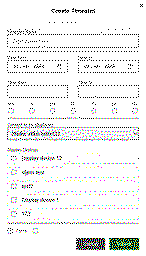
(click to see full undithered image)
Media management
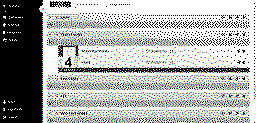
(click to see full undithered image)
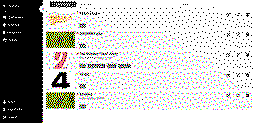
(click to see full undithered image)

(click to see full undithered image)

(click to see full undithered image)
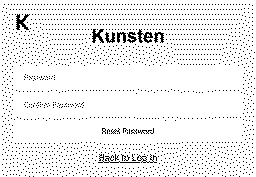
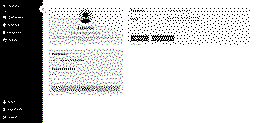
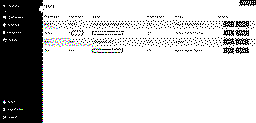
User login and management
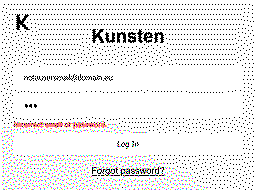
(click to see full undithered image)
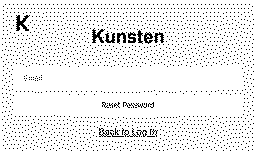
(click to see full undithered image)
(click to see full undithered image)
(click to see full undithered image)
(click to see full undithered image)